What Is Bulin 47 AI? The Viral Madrid Freestyle Trend, Explained
Bulin 47 AI turns one photo into the viral Madrid freestyle video — trend, tool, and pricing.
Last updated: 2026-10-12
Bulin 47 AI is the name people use for AI-generated versions of the Bulin 47 Madrid freestyle — the viral clip where Dominican dembow singer Bulin 47 improvised a verse outside a restaurant on Gran Vía. It also refers to the tools that make these videos, like the Bulin 47 AI studio. You upload one photo of yourself, a friend, or a pet, and the AI places the person in that photo into the original scene as the central performer. The red-lit doorway, the portable speaker, the crowd, and the original dembow audio all stay. What comes out is a 15-second vertical video, ready for TikTok, Reels, and Shorts.
From here, this page covers the origin clip, how the generation actually works, what a video costs, and when a dedicated studio beats prompting a general-purpose AI video tool.
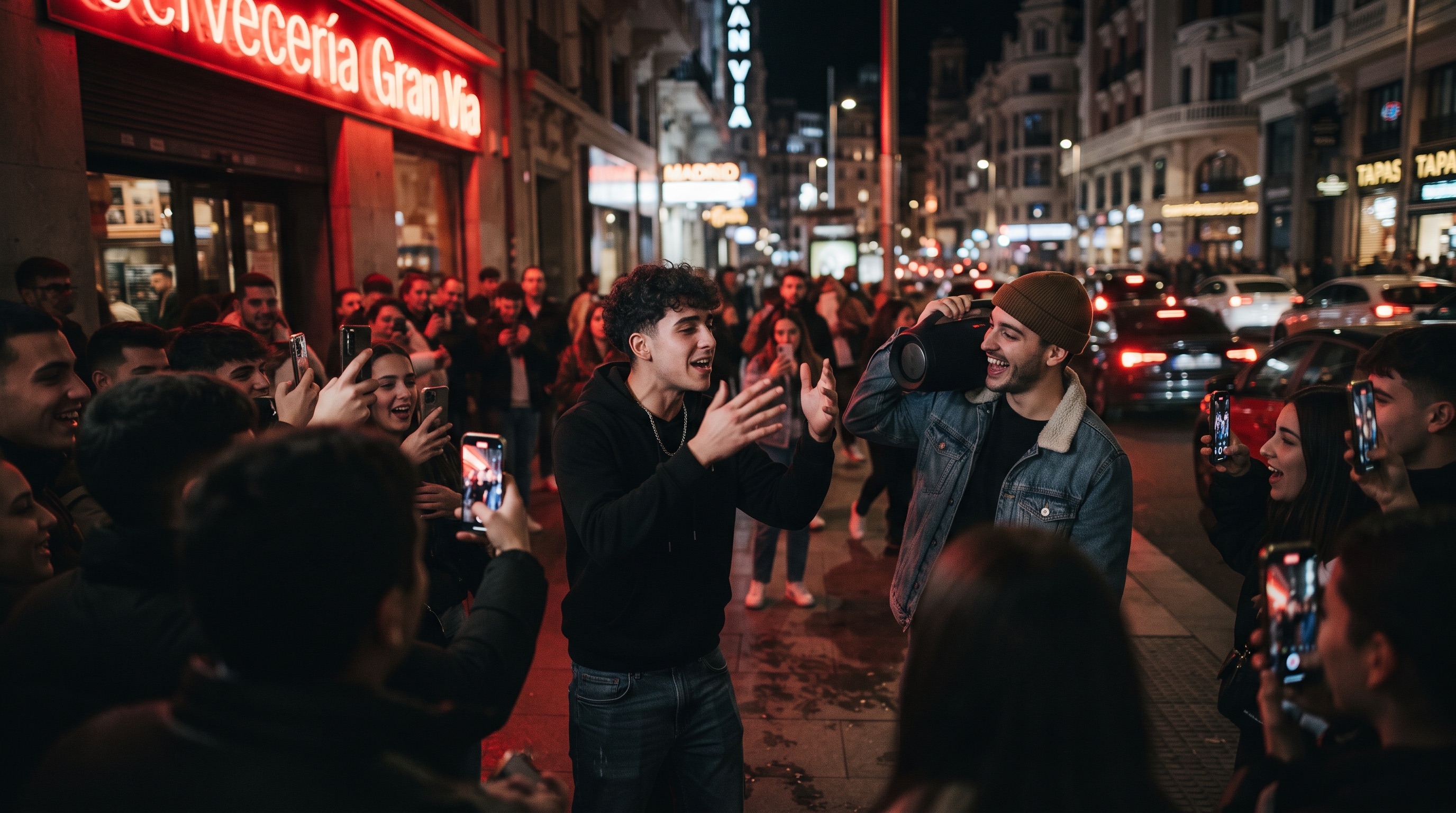
The Madrid doorway clip that started everything
On the evening of October 2, 2026, newcomer Kevin Wai stopped Bulin 47 outside a restaurant on Gran Vía, Madrid's main shopping street, carrying a portable speaker. He asked for a freestyle. Bulin 47 — an established dembow artist whose real name is Hancel Teodoro Vargas Reynoso, with roughly 1.4 million monthly listeners on Spotify — delivered one on the spot.
The setting did most of the work. The doorway's red light washed over the performer, the dembow beat ran from the small speaker, and a crowd closed in with their phones up. Clips of the moment spread across TikTok, Instagram, and X within days — one TikTok post of the freestyle passed 50 million plays in its first week — and an official studio version of the moment, "Dame Hombro" ("give me a shoulder," a nod to the speaker move), followed soon after with millions more views.
Here is the original clip that the whole trend is built on:
The original Bulin 47 and Kevin Wai freestyle outside a Gran Vía restaurant — the clip that started the trend.
What "Bulin 47 AI" actually means
The phrase now covers two related things.
First, the trend: people using AI video tools to put themselves, their friends, or their pets into the Madrid doorway scene. You will also see these clips described as the Bulin 47 filter or the Bulin 47 AI trend.
Second, the tools built specifically for that job. A dedicated Bulin 47 AI generator packages the scene, the motion, and the audio into one workflow, so you don't have to describe any of it yourself.
The mechanic is consistent across the trend: your photo replaces the central rapper — the performer in sunglasses and a pink shirt from the original clip. Everyone and everything else stays. The face and head come from your photo, adapted to the performance; the rhythmic head nods and gestures come from the original freestyle. Facial details can vary slightly between generations, which is normal for this kind of model.
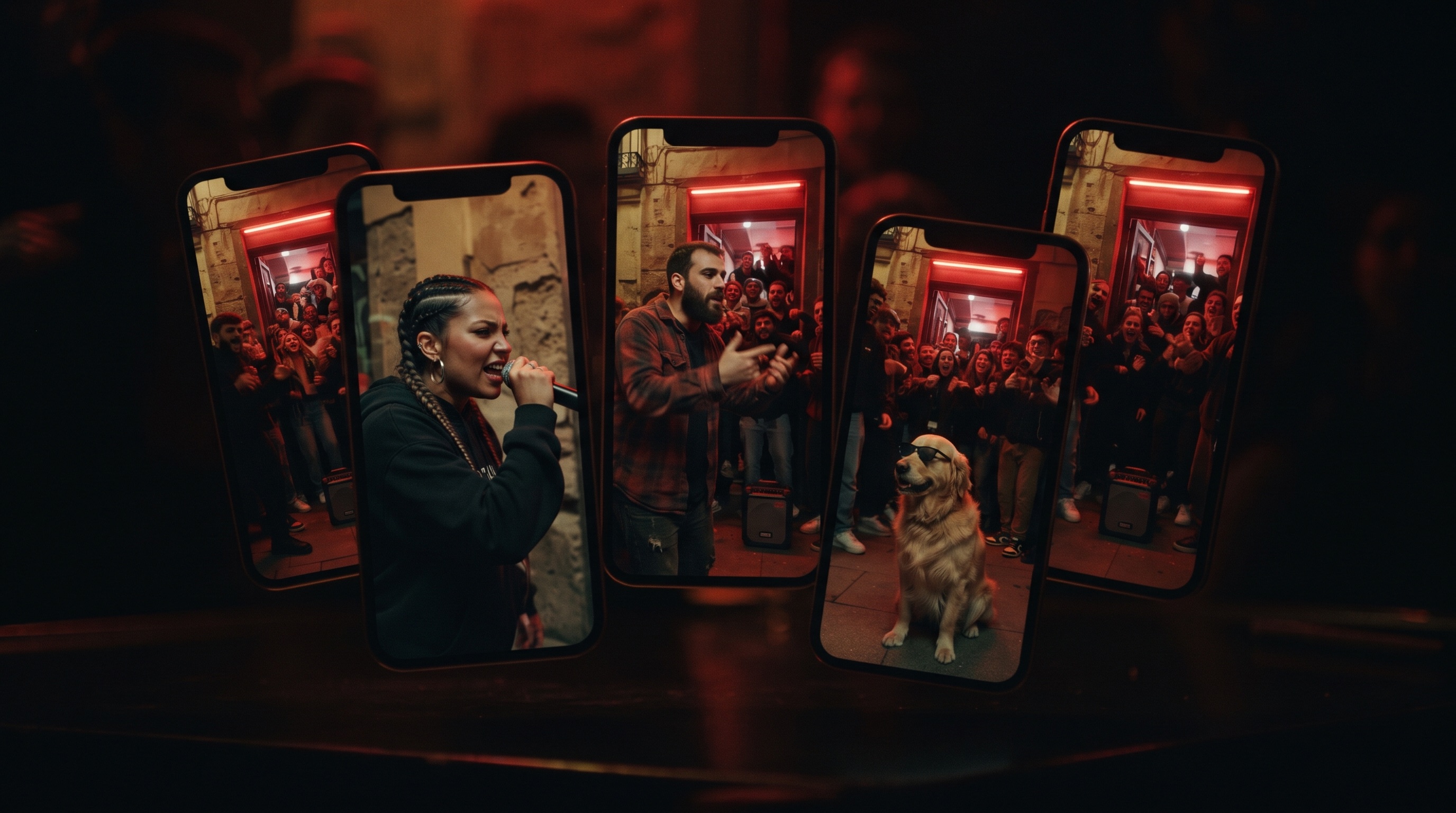
Why this clip became a remix template
Not every viral clip becomes an AI trend. This one had the right shape for it:
- One central performer. A single person carries the frame, so there is exactly one face to swap. Multi-person scenes are far harder to control.
- A distinctive, repeatable look. The red doorway light is instantly recognizable and hard to mistake for anything else. When a remix opens on that glow, viewers know within a second what they're watching.
- A built-in soundtrack. The dembow beat does the pacing. A remix without the original audio would feel like a different clip, which is why audio preservation matters so much in the tools below.
- Short and vertical-friendly. The moment works in 15 seconds and was mostly filmed on phones anyway, so an AI version lands in the native format for TikTok, Reels, and Shorts without any adaptation.
Put those together and you get a scene that stays recognizable no matter who is performing in it — which is precisely what a one-photo generator needs.
How Bulin 47 AI video generation works
Under the hood, the studio runs a reference-to-video pipeline with a locked scene preset. In plain terms, three inputs are fixed in advance — the original clip as the motion and audio reference, a scene prompt that pins the doorway, the red light, and the crowd, and the camera work — while one input comes from you: the photo.
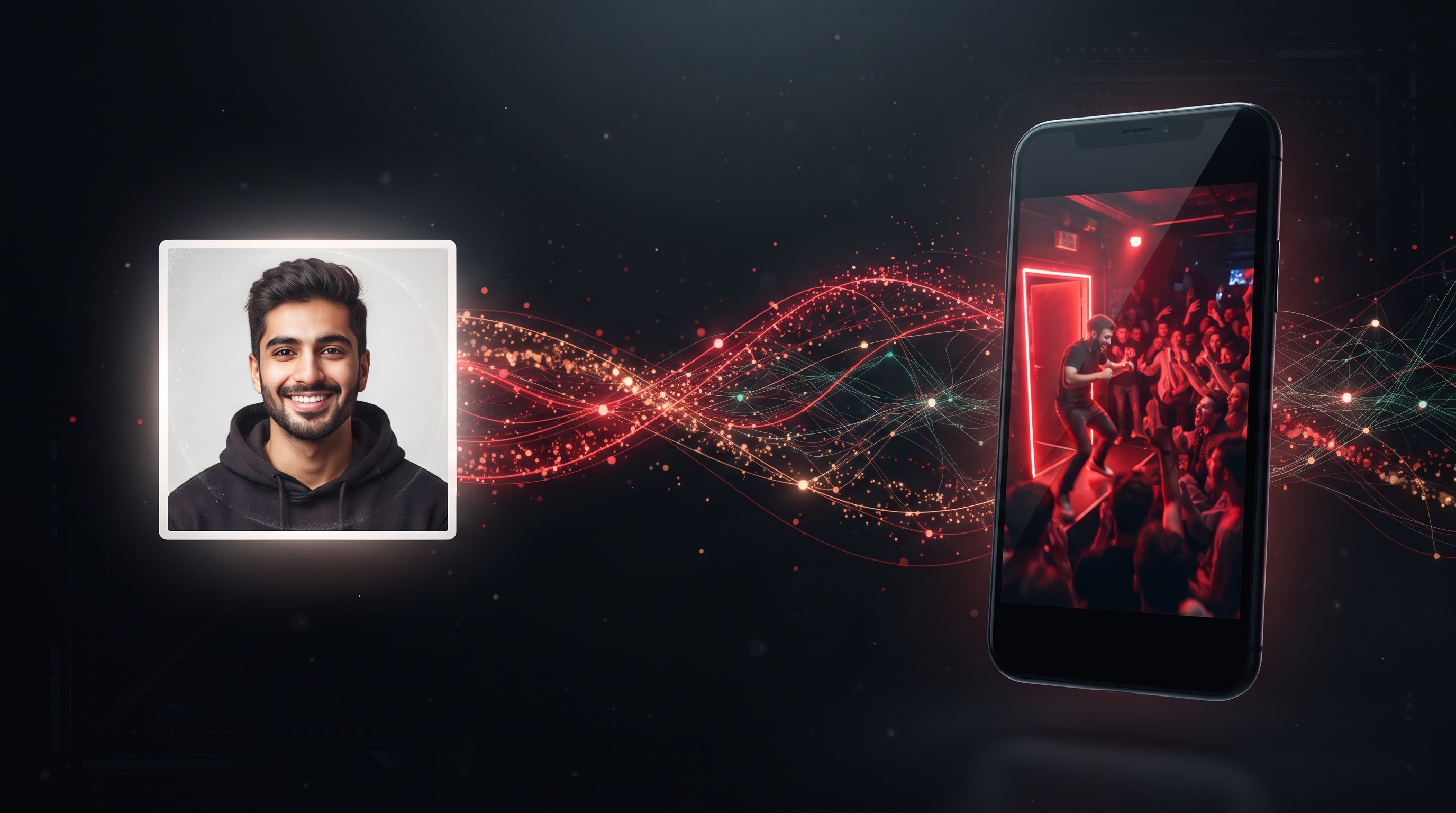
The workflow from your side is short:
- Upload one photo. A clear, well-lit shot with the face visible works best. Waist-up or full-body framing gives the model more to work with.
- Generate. The model merges the identity from your photo with the preset performance: the facial features and head come from your photo, while the motion, the camera work, and the crowd behavior come from the original clip. You can also pick a resolution — HD renders faster, 2K holds up better if you plan to zoom or repost at larger sizes. Generation takes 5 to 10 minutes, and the studio shows live queue progress while it runs.
- Download and post. The finished video is a 15-second, 9:16 vertical MP4, watermark-free, with the original dembow audio. It is saved to My Videos, and every generation gets a public share link — friends can watch in the browser without an account — plus a direct MP4 download for posting.
What you gain over hand-prompting a general video model: the scene doesn't drift between runs. You don't have to fight for the red light, the speaker, or the beat — those are locked in the preset, so every generation lands in the same doorway.
Real examples: one scene, different stars
The fastest way to understand the trend is to see it. These are real generations from the studio, and they share one detail worth noticing: the scene never changes. Same doorway, same red light, same speaker, same beat — the only input that differs between them is the photo.
The Flannel Guy Remix. One photo of a bearded man in a flannel shirt, and a few minutes later he is freestyling in the doorway with the full crowd behind him:
The Flannel Guy Remix —
open the original generation
to see the full-quality result.
The Streetwear Remix. One photo in, a full streetwear performance out:
The Streetwear Remix — the same doorway, the same beat, a different performer.
The Doorway Dog Remix. Pets work too. A dog photo produces a dog in sunglasses, head nodding to the dembow beat, which is exactly the kind of twist that made the trend spread:
What you get: output specs
| Spec | What the studio delivers |
|---|---|
| Duration | 15 seconds |
| Format | MP4, no watermark |
| Aspect ratio | 9:16 vertical |
| Resolution | HD or 2K |
| Audio | Original dembow beat and crowd atmosphere |
| Generation time | 5 to 10 minutes |
| Delivery | Download, public share link, and My Videos history |
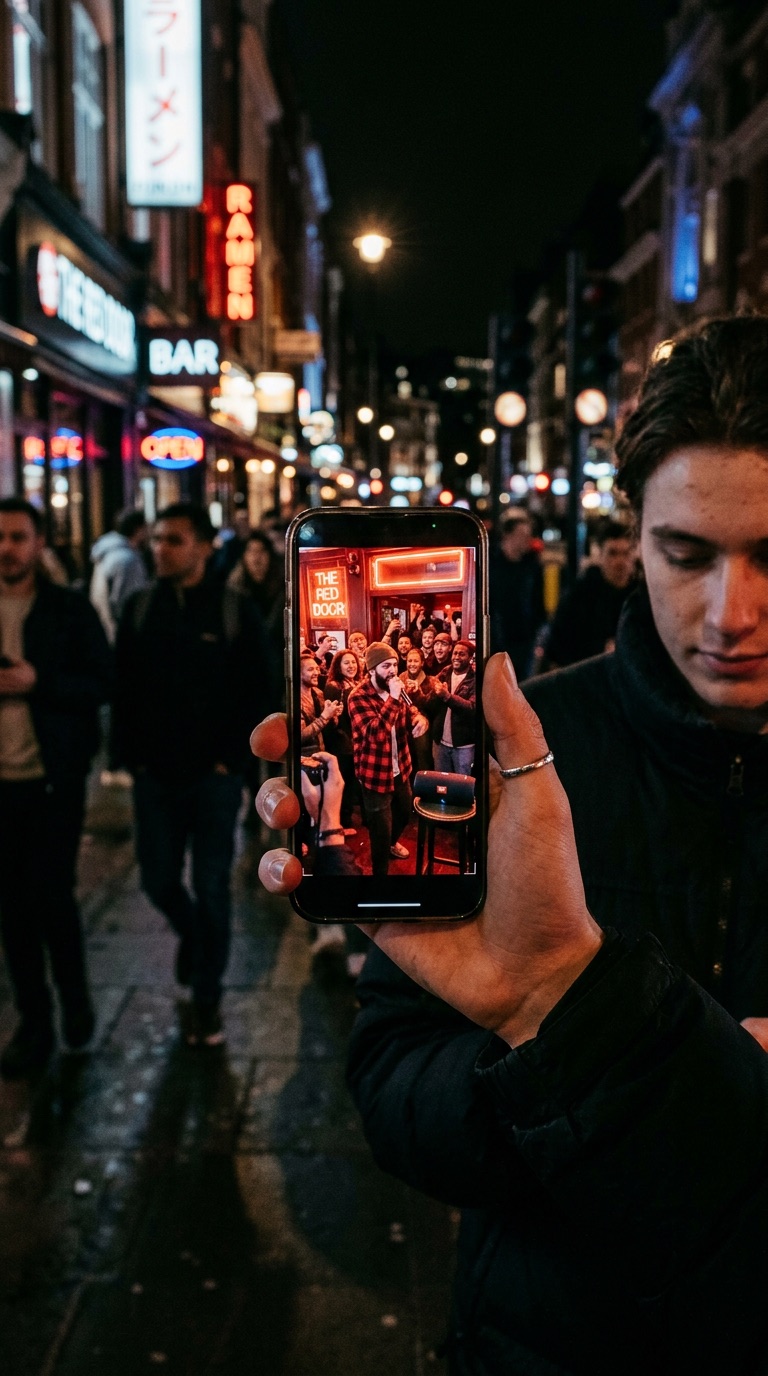
The 9:16 output matters more than it sounds. Vertical video is the native format for TikTok, Reels, and Shorts, so the file posts as-is — no cropping, no letterboxing, no watermark to blur out.
How much Bulin 47 AI costs
The studio runs on one-time credit packs rather than a subscription:
| Pack | Videos | Price | Per video |
|---|---|---|---|
| Starter | 1 | $9.90 | $9.90 |
| 3-pack | 3 | $19.90 | $6.63 |
| 5-pack | 5 | $29.90 | $5.98 |
Credits never expire, there is no recurring charge, and a generation that is confirmed as failed returns the credits it deducted. Full details are on the pricing page.
Bulin 47 AI vs. generic AI video tools
You can also build this kind of video in a general-purpose tool like Dreamina or Media.io. Both routes reach a similar place; they differ in how much work you do on the way. The manual route typically means hunting down the original clip for reference, writing a prompt that describes the doorway, the lighting, and the camera move, checking whether the output kept the beat, and re-rolling when the scene drifts. A dedicated generator collapses all of that into one decision: which photo.
| Bulin 47 AI studio | Generic AI video tool | |
|---|---|---|
| Scene | Locked preset: doorway, red light, speaker, crowd | You write and refine the prompt yourself |
| Audio | Original dembow beat and crowd kept | Usually silent or re-scored |
| Input | One photo | Prompt, reference clip, and settings |
| Consistency | Same scene every generation | Results vary run to run |
| Best for | This exact trend | Custom scenes of your own |
The honest trade-off: a general tool is more flexible if you want a different scene entirely. If what you want is this moment — the doorway, the beat, the crowd — a dedicated generator saves you the prompt engineering and gets the audio right.
Is the Bulin 47 filter on TikTok?
No. There is no built-in TikTok filter for this. The videos are generated on the web — you upload a photo to the studio, wait a few minutes, and download the MP4 — and then you post that file to TikTok, Reels, or Shorts like any other video. That is also why the clips look consistent: they come from the same source scene rather than an in-app effect that each platform would render differently.
Getting the best result from your photo
The model can only work with what the photo gives it. A few habits make a visible difference:
- Use a clear, well-lit photo where the face is fully visible.
- Waist-up or full-body shots work best; the outfit you want is the outfit in frame.
- Avoid heavy blur, sunglasses, and anything blocking the face.
- Friends and pets work — just use photos you own or have permission to use, and keep it to consenting adults for people.
- Pick HD for a quick first attempt; switch to 2K once you're happy with the photo and want the sharper render.
- Keep it to yourself and consenting friends. Impersonating public figures or celebrities is off-limits, and the platform is built for personal, transformative parody.
FAQ
How long does Bulin 47 AI take to generate a video?
Most videos take 5 to 10 minutes, depending on server queue volume and the resolution you pick. You can track live progress in the studio, and the finished video is saved to My Videos.
Does the generated video include the original audio?
Yes. Generated videos keep the dembow beat and street atmosphere from the original freestyle, so your clip is ready to post with sound.
Is Bulin 47 AI a subscription?
No. You buy one-time credit packs from $9.90, with no recurring charge. Credits never expire, and you only pay for videos you actually generate.
Can I use a photo of a friend or a pet?
Yes. A clear photo of yourself, a friend, or a pet cat or dog all work. Only upload photos you own or have permission to use.
What happens if a generation fails?
Tasks confirmed as failed return the credits they deducted. A completed video still consumes its credits, even if the facial resemblance misses the mark.
Is Bulin 47 AI affiliated with the artist Bulin 47?
No. It is an independent platform built for personal, transformative parody. It is not affiliated with or endorsed by Bulin 47, Kevin Wai, or their labels.
Make your own Bulin 47 AI video
The barrier to trying the trend is one photo. Open the studio, upload a clear shot of yourself (or your dog), and press generate — the doorway, the red light, the dembow beat, and the crowd are already waiting. Videos take 5 to 10 minutes and land as a watermark-free 9:16 MP4. If you want more than one, the credit packs start at $9.90 and never expire.